Sell and serve on WhatsApp
Official WhatsApp Business API setup with a verified number, templates, broadcasts, chatbots, order updates and a shared inbox for your team.
WhatsApp API Integration
What this is, in plain words
Your customers already live on WhatsApp. Running your business from one phone, though, means lost chats, no history and no way to share the load. The official WhatsApp Business API fixes that.
We set up the Cloud API on a verified number, get your message templates approved and connect it to your CRM, store or booking system. Your team shares one inbox, bots handle the simple questions and customers get updates the moment something changes.
What you get
Built for results you can see
One number, whole team
Several people answer from the same business number, with full history.
Updates customers read
Order, booking and payment updates arrive where customers actually look.
Faster sales
Send a payment link in the chat and close the sale right there.
Campaigns that reach
Approved broadcasts go to opted in customers without getting your number blocked.
What we build
Inside our WhatsApp API work
Verified number setup
01Business verification, display name and Cloud API onboarding handled for you.
Templates and broadcasts
02Approved templates for alerts, reminders and offers to opted in lists.
WhatsApp chatbots
03Menus and AI answers for common questions, with handoff to staff.
CRM sync
04Every chat and contact linked to your CRM, store or helpdesk.
Payment links and order updates
05UPI and Razorpay links, plus automatic order and delivery messages.
Shared team inbox
06Assign chats, add notes and see who replied, from any device.
How we deliver
Five steps, no surprises
- 1
Use case planning
We agree which messages, bots and integrations come first.
- 2
Number and verification
We set up Meta Business verification and the Cloud API number.
- 3
Templates
We write message templates and get them approved by Meta.
- 4
Integrate and build
We connect your systems, inbox and any chatbot flows.
- 5
Launch and tune
We go live, watch delivery and replies, and tune flows and timing.
A verified number with templates typically goes live in 1 to 2 weeks, and a full inbox with integrations in 3 to 6 weeks, depending on Meta approval times.
Tools and deliverables
What we use, what you keep
Tech we work with
- WhatsApp Cloud API
- Meta Business Manager
- Node.js
- TypeScript
- React
- PostgreSQL
- Redis
- Webhooks
- Razorpay
- Stripe
- n8n
- OpenAI API
Handed over to you
- Verified WhatsApp Business API number
- Approved message templates
- Shared team inbox
- CRM or store integration
- Order, booking and payment notifications
- Chatbot flows, if needed
- Admin guide and template playbook
Where it fits
Industries we build this for
Salon & Barber Booking Software
InternationalExploreOnline booking with deposits, staff calendars, reminders and memberships, under your own brand.
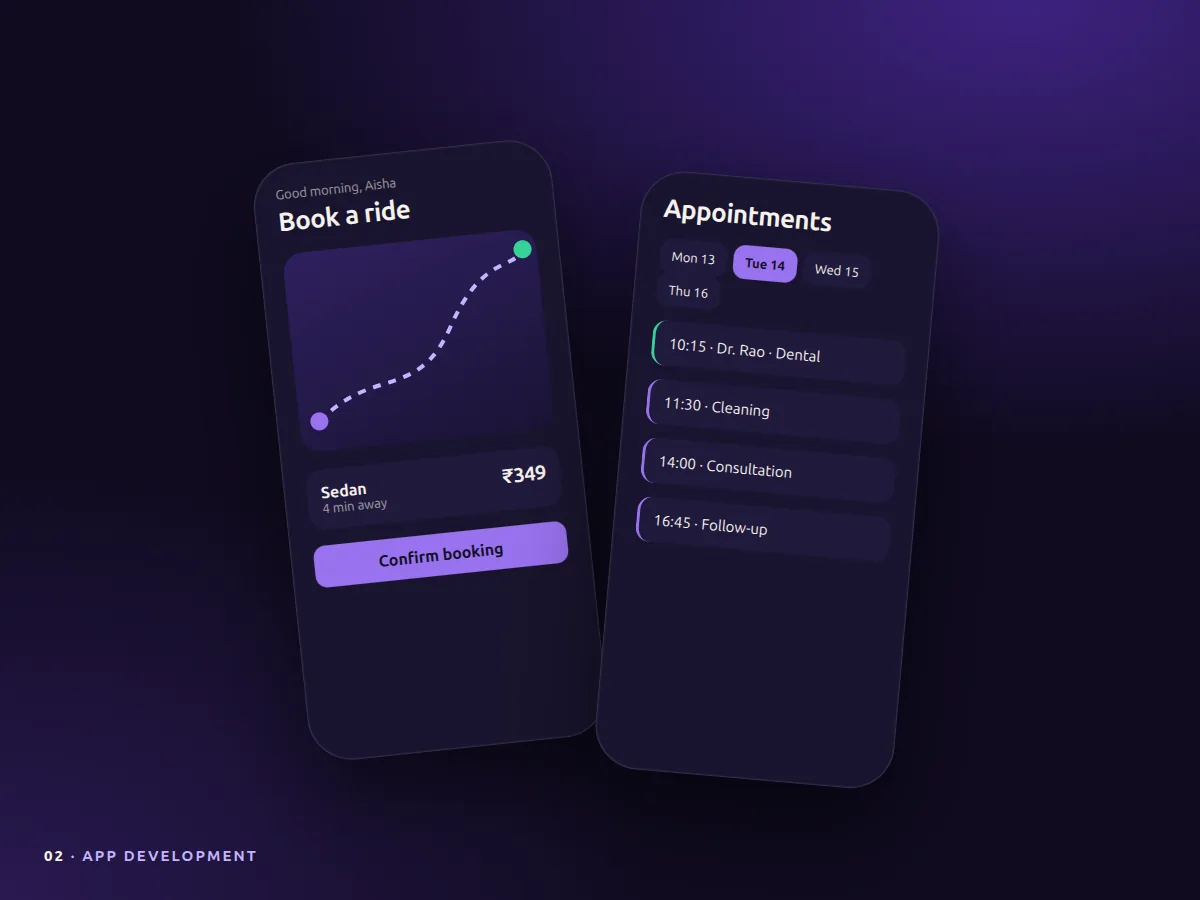
Car Rental Booking Software
InternationalExploreOnline booking with deposits, licence checks, fleet management and photo damage records.
Travel Agency & Tour Operator Software
India & InternationalExplorePackage pages, fast quotes, itineraries, payments and supplier tracking with WhatsApp updates.
Gym & Fitness Centre Software
India & InternationalExploreMemberships, class booking, check-in, trainer schedules, renewals and a WhatsApp front desk.
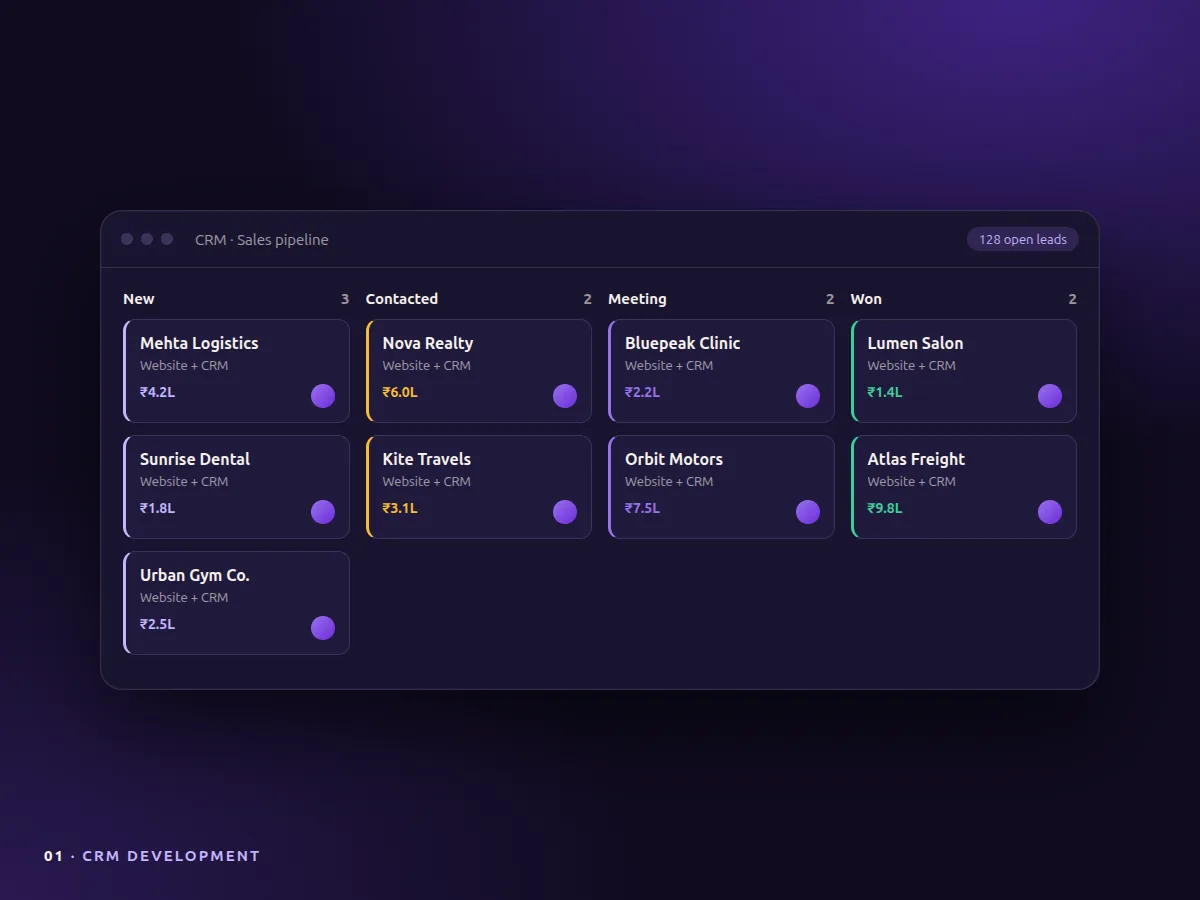
Real Estate CRM & Property Software
IndiaExploreListings, lead routing from portals and ads, site visits and a broker CRM with WhatsApp built in.
FAQ
WhatsApp API: common questions
Can we keep our current WhatsApp number?
Usually yes, but it must be removed from the regular WhatsApp app first. We explain the steps and options before moving it.
Do we pay Meta separately?
Yes. Meta charges per conversation based on type and country, billed to your own Meta account. We help you plan for it.
Can we send bulk messages?
You can send approved template messages to customers who opted in. This keeps your number in good standing.
Who owns the number and the setup?
The number and Meta account are always yours. After final payment the code and integrations are yours too, unless we agree otherwise.
Do you support it after launch?
Yes. We offer monthly support for hosting, template changes, new flows and Meta policy updates.
Related services
Often paired with
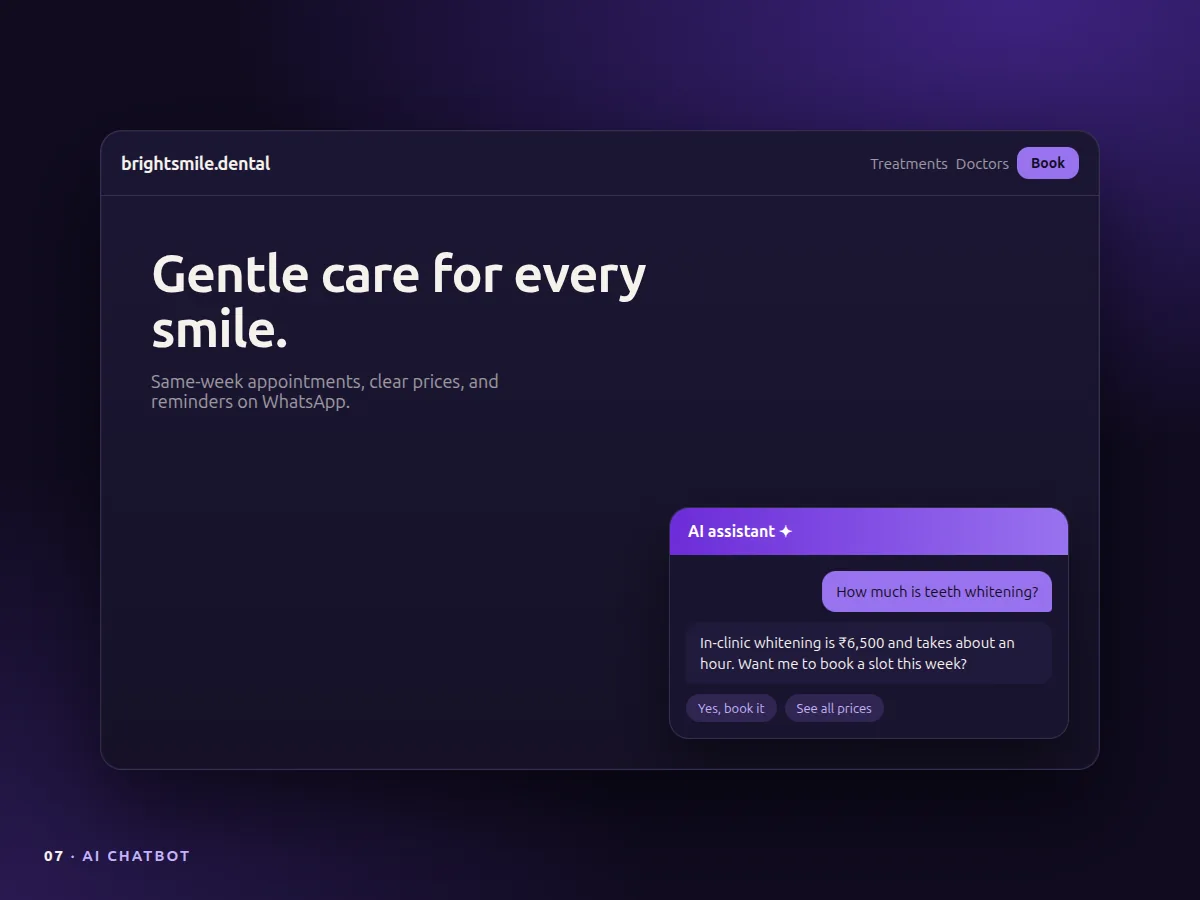
AI Chatbot
AI & automationExploreWebsite and WhatsApp chatbots trained on your content that answer, capture leads and book calls.
CRM Development
Business systemsExploreCustom CRMs for leads, pipelines, follow ups, WhatsApp and reports, built around how your team sells.
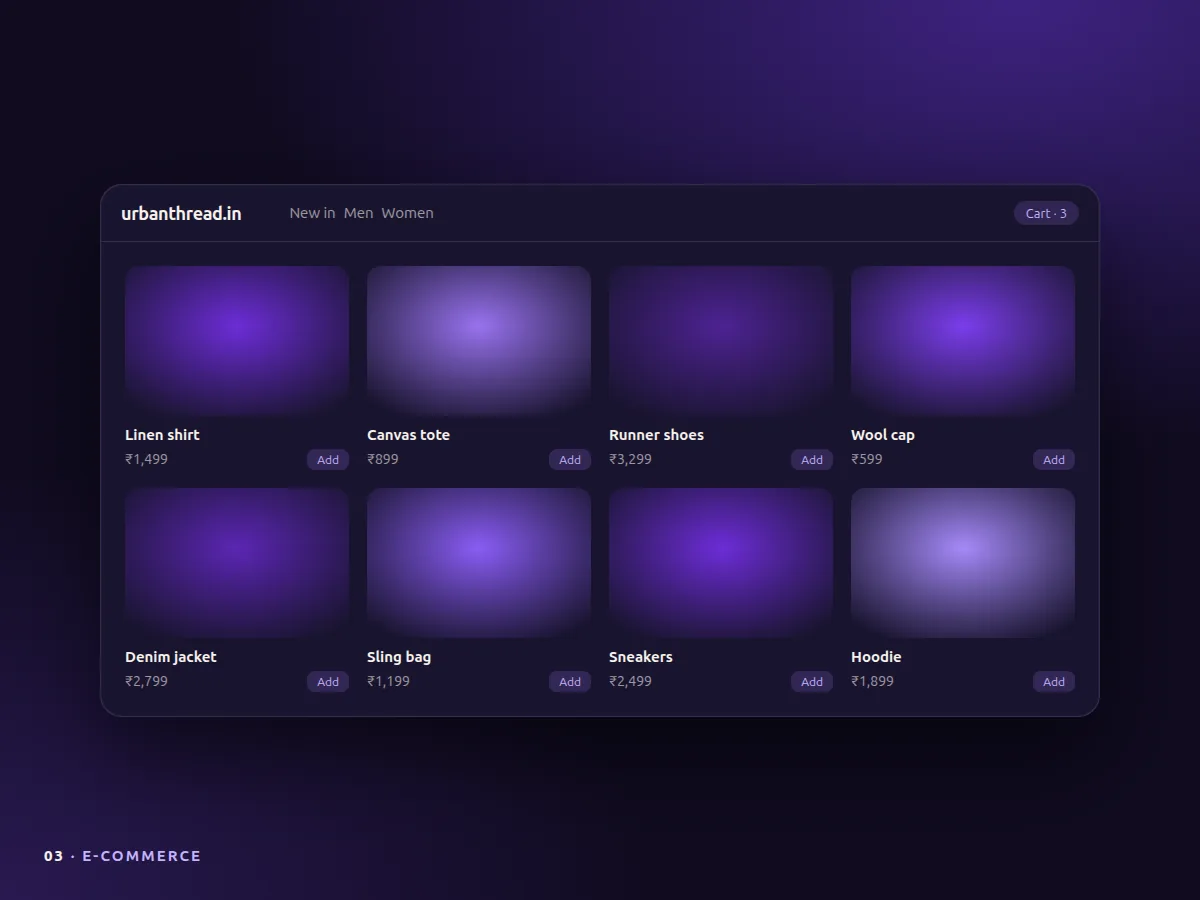
E-commerce Development
Commerce & gamingExploreShopify or fully custom stores with fast checkout, Razorpay and Stripe, shipping and cart recovery.

Got a project?Let's build it.
Tell us what you need. We come back with questions, a plan and an honest estimate. New here? Ask about becoming one of our first case studies.
Or email sukhdev.narang@viralwave.marketing